Automation on Android no longer needs root. There are two mature channels: an accessibility service reads the interface, and ADB sends commands. Everyday scripts basically use these two.
Who the script ends up with
Decide the user before you write. Using it alone, a few people on a team using it, and handing it to a customer are different standards. Language and tools can be decided later. If the user is unset, the rest usually gets reworked.
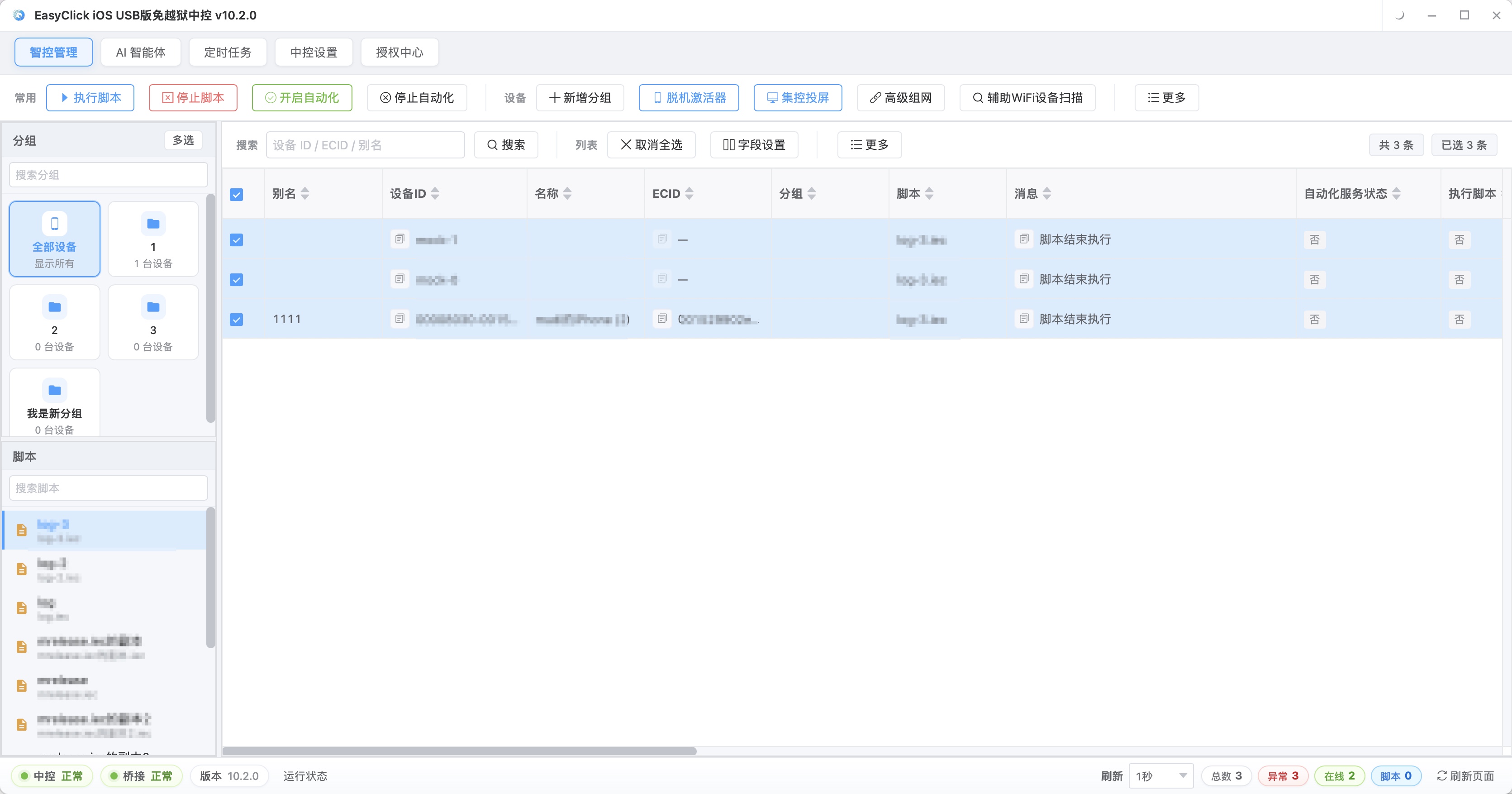
For your own use, it is enough that the script runs and saves time. Variable names, logs, and how friendly the errors are do not matter. The flow is in your own head, and a glance tells you what went wrong. Team use changes the device count. A problem on one phone is a single point. At ten phones, or dozens, another kind of problem shows up: which one dropped offline, which one stuck on step three, and whether the task was actually dispatched. The script has to report results back, or you can only look at them one by one. Flipping through dozens one at a time spends the time on finding which phone it was. Handing it to a customer tightens the standard again. The customer does not know the technical side. Popups, slow loads, and app updates must not freeze the script, and the script has to handle those itself. Names, the interface, and error messages also have to be readable. This stretch of work is often underestimated in phone script development.
Building a script you use yourself to the standard of a deliverable usually spends extra time. If a deliverable is built to the standard of personal use, you are not on site when something goes wrong, and the other person cannot handle it. Separate which case this is, then decide how much to put in.
Write it yourself, or hire someone
Writing it yourself roughly needs these conditions at the same time. The requirements are relatively stable, the flow is already clear, it will not change much in the short term, and what you write can keep being used. If the business process is adjusted every week, the speed of writing scripts may not keep up with the changes. Someone also has to keep maintaining it. A finished script will fail again: an app update or a system upgrade can move element positions, and someone on the team has to own that, or the first failure is often the moment it gets abandoned. You also need to be willing to spend a few days on the basics. This platform uses JavaScript. A pass over variables, conditionals, loops, and functions is enough to start. You do not need to learn enough to write a framework. When those conditions are all there, writing it yourself is the better spend: requirement changes do not wait on someone else, debugging is free, and trial and error mainly spends time.
Hiring usually takes two common paths. Custom development means writing the requirements clearly and having someone write a version to your flow. It fits teams whose flow is complex and who have no one to maintain it. The usual method is to confirm a requirements list first, writing which steps to perform, which exceptions to handle, and which devices it will run on, then have the developer produce a trial version, and deliver the full version after it runs smoothly. The more specific the requirements, the less rework. Do not write only “automate listing products for me.” Write which entry to use, which fields to fill when listing, what to do when a product is duplicated, and whether to retry after a failure. The other path is buying something ready-made. Publishing, check-in, and data export are common scenarios, and finished scripts exist on the market. Change the config and they can run. They are cheap and quick to start, and they often feel awkward once fitted onto your own flow. If the flow matches what most people do, a ready-made script is enough. If it contains judgment logic other people do not have, it has to be custom.
Record the pages while you write it yourself, then add three things at delivery
When you write it yourself, do not start from the longest flow. Do it once by hand and record the page at every step: which buttons are on the current page, where a tap goes, whether a popup appears in the middle, and about how long the load takes. That record is more useful than a tutorial. Many people skip it, write code directly, and halfway through find a missing popup, then have to look at the phone again. Then pick the shortest stretch. If the whole listing flow has eight steps, do the two steps “open the admin and log in” first. After those run, add the next step, and connect downward only after each step has been checked. Pull out the parts that change. Accounts, keywords, times, and target pages get adjusted often. Put them in config, and do not hard-code them into the flow. Last, add exceptions and reporting. Popups, timeouts, and network swings are normal. The script has to handle them. You cannot count on this run happening to have no popup. The status of each device after it finishes also has to come back.
If the script is handed to someone else, three more things have to be added, and it is better to think them through in the first version. Android can package locally for offline use. The finished package is installed directly by the user, and the other person does not configure a development environment again. Packaging is paid. The debugging stage is free, so the script can be fully verified before you pay. After it goes out, you still need to control who is running it, on which device, and which version. The matching network verification has license-key authorization, and it also fingerprint-checks the install package and the script file. If the fingerprint does not match, or the license key is disabled, the script will not start. Both internal distribution and external delivery can use this. After an app update, the old script may fail, so there has to be a way to push a new version to the user. Packaging and shipping a new package is one way. Hot update is the other: the user does not reinstall, and the change takes effect directly. Which you pick depends on whether you can get the other person to cooperate. These three are not urgent when the script has just started working, and they decide whether it can keep being used later. Leaving a place for them while writing the first version is less work than adding them afterward.
About EasyClick: A mobile automation script development platform covering three phone ecosystems: Android without root, iOS without jailbreak, and HarmonyOS. It also offers Apple script writing, Apple cluster control, Android cluster control, remote cloud control, and AI phone cluster control. → Explore all products
Ready to build it for real?
Every approach in this article can be built on the EasyClick phone automation platform — full documentation, developer tools and cluster/cloud-control products, free to try.