Apple cluster control is one computer managing many iPhones: screens viewed together, tasks dispatched by group, results collected in one place. The mainstream approach does not use jailbreak. It drives the devices by injecting external input.
Faults actually fall into only three types
A team running a TikTok matrix found last summer that four iPhones were clearly hotter than the same batch. The first reaction was to suspect a script they had just changed. They rolled back two versions and it was still hot. They spent two days checking, opened one of them, and the battery had already swollen. Those four were bought in the same batch and had been used for only eleven months. The biggest problem in the review was that the order was reversed: software first, hardware last. Touching the battery on the first day would have saved two days. The site has another piece on the effects of long-running use, and that one is prevention (brightness, cooling, rotation, cables). This piece is what to do after something has already failed. It is the response.
Problems on a device rack look varied, and they sort into only three kinds: will not connect, abnormal heat, and physical damage (a swollen battery, poor contact at the charging port, a bent screen or frame). The response logic of the three is completely different. A connection failure is mostly a software or contact problem, and the cost is low. Abnormal heat has to be split into heat from the load and heat from aging. Among physical damage, swelling is a safety problem, and it has the highest priority. Handling them as one pile, the most common result is taking a whole group apart and reconfiguring it in order to repair one device that will not connect.
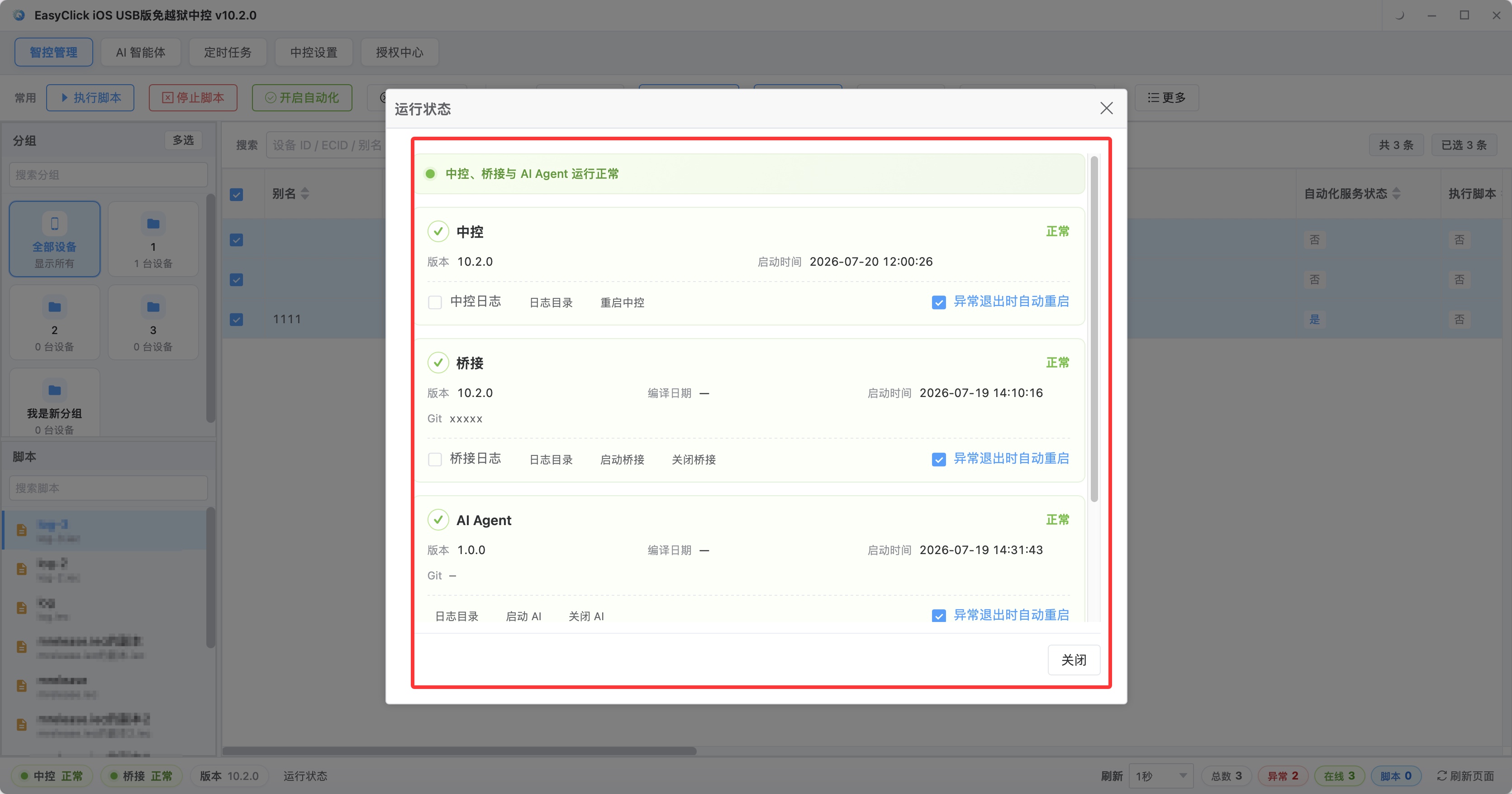
Device status gathered on one screen is the fastest way to judge “one device failed, or a whole stretch failed.”
When it will not connect, rule out the cheapest layer first
Of the three, “will not connect” is the easiest to solve, provided the order is not reversed. The recommended order goes from low cost to high: swap in a cable you know is good (the cable is the most fragile link in the whole chain, and the easiest to skip); swap in a port or hub port you know is good; try it on another computer (if another computer works, the problem is on the original machine); check whether authorization and the environment are normal (an expired authorization, Developer Mode off, and the automation environment not started all show up as a failure to connect); and only then suspect the device itself. Reverse the order and you will spend half a day taking the rack apart and pairing again, then find it was the cable. On the details: a fault that comes and goes is mostly a contact problem. A software problem is usually consistent. If it works, it keeps working.
Heat needs a comparison, and a swollen battery has no room to negotiate
Heat is the easiest to misjudge, because looking at one device alone, you cannot know whether that temperature counts as high. The method is to find a comparison: the same batch of machines running the same task, and only a few are clearly hotter, so those few have a problem. If the whole batch is equally hot, the problem is in the load itself. Split it further. A hot case with normal running is mostly a blocked cooling path, such as laying them too densely, a vent blocked by the stand, or dust. Move them apart, leave gaps, and clean the dust once. Hot, and accompanied by automatic restarts, dropped frames, and stuttering, may be battery aging raising the internal resistance. Check the battery health. If it has dropped very low, it should be replaced. If only a few are hot, and they were bought in the same batch, watch whether this batch is the problem.
A swollen battery has no room to negotiate. The moment you find a swollen battery, cut the power and take it out of use immediately. Swelling means the inside of the battery has already had an irreversible chemical change, and continuing to charge carries a fire risk. Cluster control devices are often plugged in 7×24 hours, and that risk gets amplified. The response is three actions: cut the power (unplug the charging cable, shut it down if you can, and standby alone is not enough), isolate it on its own (do not squeeze it on the same rack with other devices), and deal with it as soon as you can. Do not leave it running tasks just because it can still power on. This is the only fault type where the suggestion is to stop the business first. How to notice it earlier: a device laid flat on a desk will rock. Every so often, pick the device up and look at the back for a bulge, especially on machines that have been running for more than a year.
Charging ports and screens will not stop a device immediately, so they are the easiest to keep postponing. For poor contact at the charging port, clean it yourself before you send it for repair. A fair share of “will not charge” is only dust, lint, or an oxide layer in the port. A blast of compressed air, and a light pick with something non-metal, can restore it. If it still fails after cleaning, the contacts are oxidized or the spring is bent. Cluster control devices stay plugged in and rarely get unplugged, so charging-port wear is much faster than daily use. When you see a phone that “charges sometimes and fails sometimes,” do not treat it as a one-off. It is the sign that it is in the process of failing. Screens and frames are mainly marks pressed in by a clamp-style stand, and edges bent by force. They do not affect script running, and they do affect the device’s residual value. For an obvious bend, change the stand method.
Repair or replace, the whole batch or one phone: three lines of judgment
When you reach repair or replace, judge by the three lines below. If the repair cost exceeds the price of a second-hand device of the same model, replace it. Board-level repair is often more expensive than a second-hand phone. If this device has data or configuration dependencies that are hard to migrate, repair is the better spend. If the fault will affect scheduling for the whole batch (the device group it sits in has tasks that need the whole group in sync), replace it first and do not wait for the repair. The other way around, a fault that is clear, single-point, and does not affect the whole group is worth repairing, such as a screen with a small problem and normal function, or a charging port that only needs cleaning.
The easiest thing to drag out is replacing the whole batch, because it arrives slowly. Any one of three signals means you should consider replacing the batch: faults in the same batch start arriving in a string, such as five or more failed within a month; the model is already too old and the system version cannot keep up with the script requirements; the faults concentrate on the same batch number or the same length of use, which means this batch is decaying and the next ones will follow one after another. The cost of repairing one by one is the repair fee, and it is also the time spent handling the fault. At that point, people stay consumed by the next piece of hardware.
Two things to watch when replacing devices: replace with the same model when you can, because different models have different resolutions and script coordinates have to be adapted again; replace by group, and replacing one phone at a time is a poor fit. Replacing the whole group avoids old and new running mixed and splitting the tasks unevenly, and it lets you verify in one pass whether the script runs correctly on the new devices.
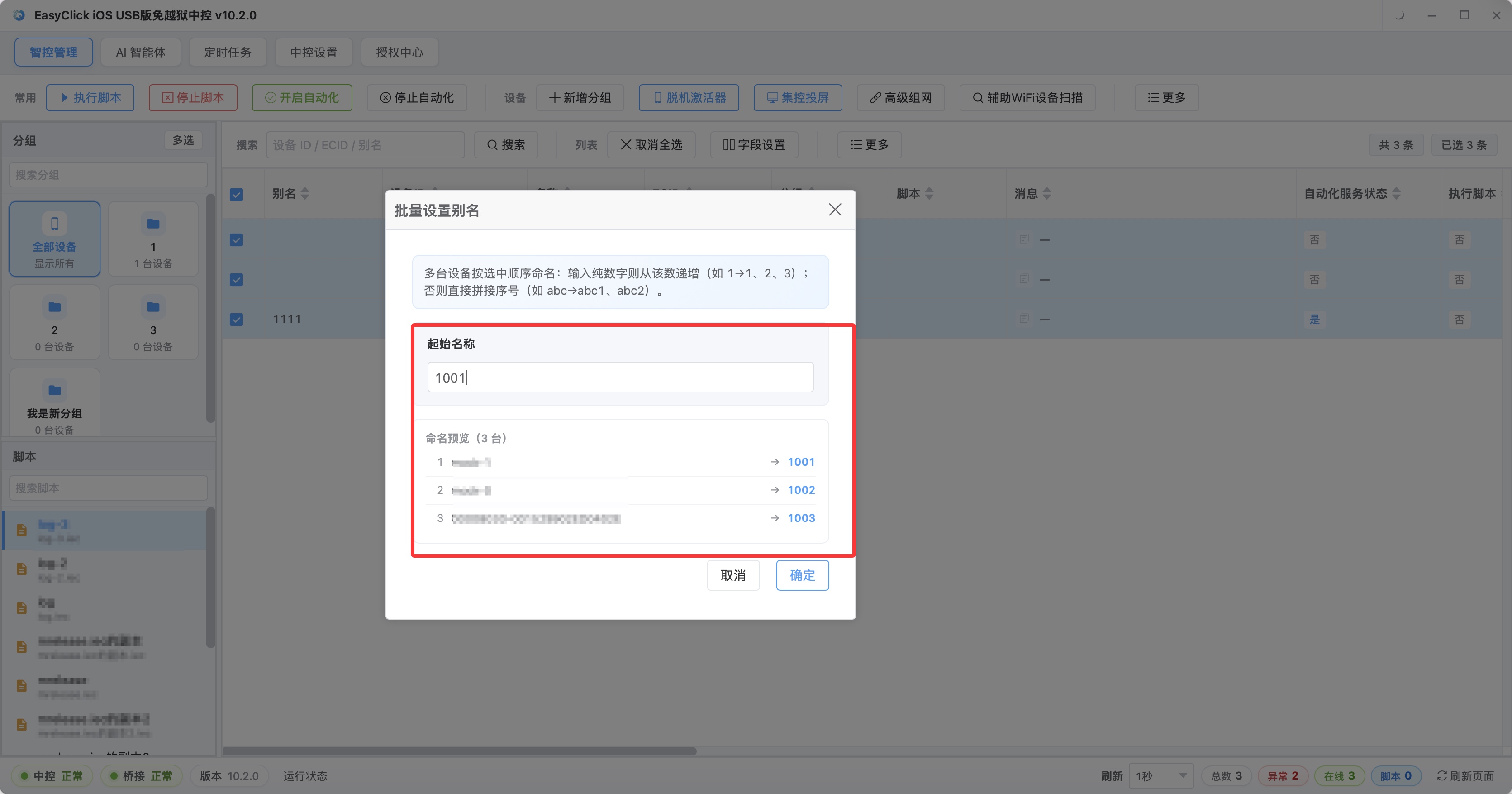
After a whole-group replacement, device aliases can be set again in batch.
Back to those four machines. After the batteries were replaced they ran another half year before retirement, because they were found before it was too late. During the response, rule out the cheapest possibility first, then touch the device. See whether it is a single point or the same batch, then decide repair or replace. Stop immediately on swelling. Brightness, cooling, rotation, and cables, the prevention practices, are written in more detail in What long-running Apple cluster control does to the controlled phones. For what to do after the device count goes up, see Measured capacity of Apple cluster control.
About EasyClick: A mobile automation script development platform covering three phone ecosystems: Android without root, iOS without jailbreak, and HarmonyOS. It also offers Apple script writing, Apple cluster control, Android cluster control, remote cloud control, and AI phone cluster control. → Explore all products
Ready to build it for real?
Every approach in this article can be built on the EasyClick phone automation platform — full documentation, developer tools and cluster/cloud-control products, free to try.