Writing the steps you tap every day into code, and letting the phone run them, is an automation script. Cluster control sits on top of that. It handles how many devices are scheduled together. Whether a script can take over the manual work depends on whether the job happens every day or once, whether the steps are fixed, and whether the result can be checked.
Whether it is worth learning depends on the nature of the work
Ask whether to learn Apple scripts and the answer tends to run to one of two ends. One end says you must learn it, and efficiency will rise. The other says scripts cannot do complex work, so learning is wasted. Both are too broad. The same tool, used on work you do every day, with fixed steps and a result you can check, saves time. Used on work you do once, or on work whose rules keep changing, maintenance is more annoying than doing it yourself.
Work that suits a script usually looks like the following.
Something you must do every day or every week, with steps that are completely the same. Content distribution in batch operations is like that: the same flow, a different account, different copy, and the taps are identical. A person makes mistakes too, and the mistakes are fixed in kind: the wrong account, one post missed. The longer you do it, the more numb you get, and the easier the mistake.
Repeating the same action across many accounts. A batch of accounts all changing profile details, or all answering messages once. Add an account and you add a block of time by hand. Once a script is running, one more account adds almost no time.
Work that needs a record. Exporting a batch of data at a fixed time each day, running a check, recording a status. A person can do it, and it is easy to forget and easy to miss. When something goes wrong there is no record. A script sends the result back when it finishes, and a lot of later argument disappears.
These share a pattern: the flow is stable, the frequency is high enough, and the result can be matched. What phone automation scripts and iOS scripts can take is basically this kind of work.
Some kinds do not fit. Work you do once, or once every six months: writing the script usually takes longer than doing it by hand once, and then you walk away, so doing it yourself is the better use of the time. Rules that keep changing: you tap it this way today, and next week the interface changes. The script expires before it has warmed up, and maintenance exceeds doing it by hand. Anything that needs a script to get around platform rules, evade risk control, register accounts in bulk, or inflate volume: the time you save is script-writing time, and the cost lands on accounts and devices. Leave this kind alone from the start. Do not wait for a problem and then try to pull it back. Teams that run automation for a long time are doing work their own business already required. They have moved it from manual to automatic.
How much time before you learn, and what to do first
Estimate the time by the layer you want to reach.
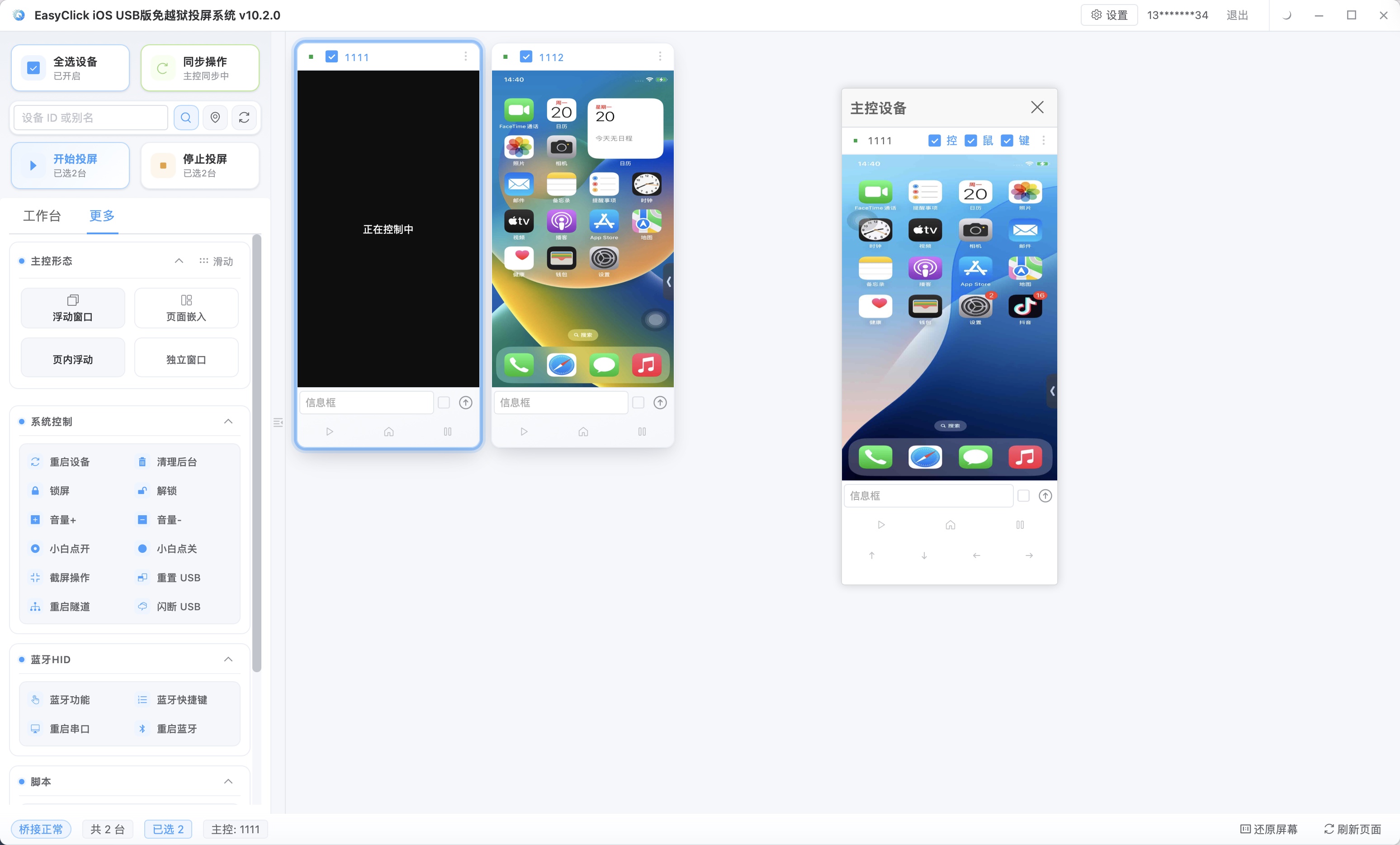
If you want to see a result first, leave an hour or two. The console has entries that do not require code: describe the task in Chinese, drag a workflow, or run taps directly with USB HID. Run one simple flow first. This step does not touch syntax. USB HID arrived with EC iOS USB 10.7.0 (2026-09-08). It does not use Bluetooth or an OTG board. The phone needs iOS 17 or later. On the same device, it and “Start Automation” cannot be on at the same time.
If you want to write a fixed flow, plan on a few days. Record the actions, then add waits and judgements. That covers most repeated tasks. Those days are mostly spent getting familiar with the tool.
If you want complex logic, leave one or two weeks. Reading data on the page, branching on conditions, handling exceptions, and summarising results means going through JavaScript basics. Variables, conditions, loops, and functions are enough to start. Time goes into getting familiar with the interfaces, and into debugging. Syntax can be looked up. What takes time is working out what a given page looks like on your system version.
Do not start from the most complex requirement. Pick something you already do every day, with the shortest flow. Write it, get it running, then pick the next one. While a script is still failing, you can be sure the problem is this step, with no dozen earlier steps tangled in. Accounts, keywords, and times, the things you adjust often, go in a separate configuration. Later you change the configuration and the flow stays put.
The part of iPhone automation that gets underestimated is the trial run. Watch the first few rounds. A script you just wrote has not met popups, slow loads, or version updates. If you do not watch it run, you will not know which step it stuck on.
About EasyClick: A mobile automation script development platform covering three phone ecosystems: Android without root, iOS without jailbreak, and HarmonyOS. It also offers Apple script writing, Apple cluster control, Android cluster control, remote cloud control, and AI phone cluster control. → Explore all products
Ready to build it for real?
Every approach in this article can be built on the EasyClick phone automation platform — full documentation, developer tools and cluster/cloud-control products, free to try.