What free signing actually saves, and how to pick the two methods
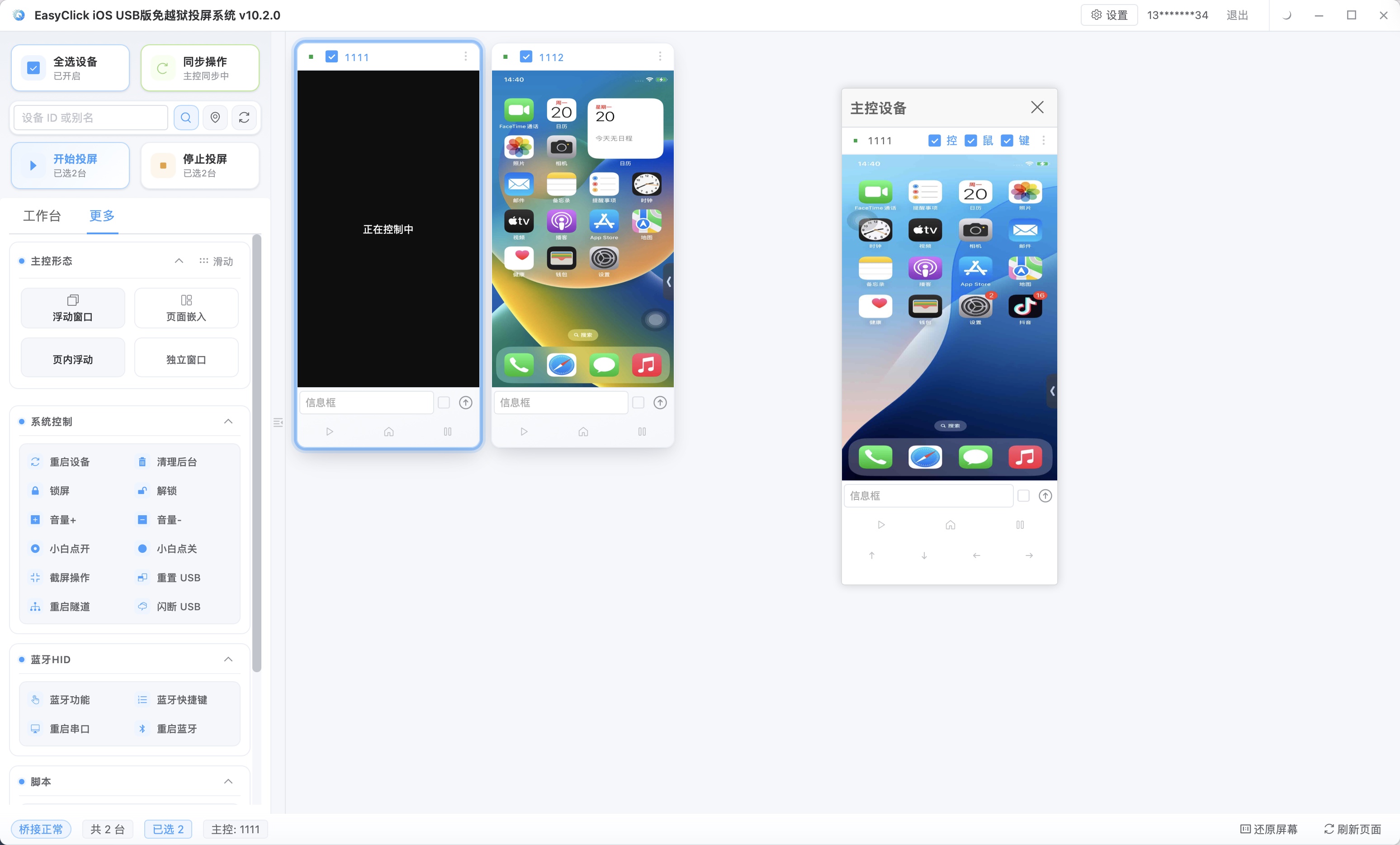
Agent mode needs a signed IPA. A personal free signature expires in 7 days, and an enterprise signature costs money. The offline main program plus a free signing method can get automation running without buying a paid certificate. The barrier looks roughly like this:
| Signing method | Cost per phone | Operations cost |
|---|---|---|
| Personal developer signing | Free | High (re-sign and reinstall every 7 days) |
| Developer signing | Developer account annual fee | Low |
| Enterprise signing | Qualification bar, or a fee | Low |
| Free signing (i4Tools / TrollStore) | Free | Medium (renew on a schedule / limited by version) |
For personal learning and a small trial, spending several hundred or a thousand on signing first is a poor deal. After you scale, the signing fee spread across each phone may not be high, and renewal work is still ongoing. The offline main program lets the first step skip buying a certificate: get it running, verify the business, then decide whether to spend on paid signing. Paid individual developer signing is 688 yuan a year, 100 devices, iOS 12 and above. That fee is Apple’s signing fee, not an EasyClick license fee.
Two ways to skip paid signing:
| Method | How it works | Upside | Downside |
|---|---|---|---|
| i4Tools free signing | Sign and install with an Apple ID for free | Simple to start, no special environment | Has to be renewed on a schedule, and the Apple ID has a device-count limit |
| TrollStore | Install using a system vulnerability | No re-sign on a 7-day cycle | iOS 15 through 16.6.1 only, and the signature drops after a restart |
i4Tools free signing uses an Apple ID on the free developer signing channel. Install i4Tools on the computer, log in with an Apple ID, free-sign the IPA, then install it on the phone and trust it. It is the simplest to start. It expires on a cycle. After expiry the app will not open, and you re-sign and reinstall. An Apple ID can sign a limited number of devices. With more devices you change IDs or clear old authorizations. In a batch, keep a renewal ledger and renew together before expiry, so they do not all fail to open in the middle of the night.
TrollStore installs using a system vulnerability. The supported range is iOS 15 through 16.6.1. It does not re-sign on the 7-day cycle that i4Tools uses. After the phone restarts, the signature drops, and you have to handle it again. Newer iOS is outside this range. Check the device model and system version before you install. Some system versions also need a helper environment installed first, so there are more steps than i4Tools.
How you choose depends on a few dimensions:
| Dimension | Choose i4Tools free signing | Choose TrollStore |
|---|---|---|
| System version support | Mostly does not care about the version | Limited by a version range |
| How long you use it | Short tests, and you can accept renewal | Stay on iOS 15 through 16.6.1, and you can accept the signature dropping on restart |
| Barrier to start | Lowest | You have to check compatibility |
A zero-cost start can follow this order: install first, and this step costs nothing; configure the input method, connect the hardware setup, and run the smallest chain of tap, recognize, and type; write the core business flow as a script and run it once; when you need node capture or scale, switch to agent mode and spend on signing. If it will not run, stop. At that point you have not bought a certificate.
Which stretch the offline main program can cover
An offline setup needs these basics to run:
| Condition | Note |
|---|---|
| iPhone | A mainstream model is enough. No jailbreak |
| Free signed install | i4Tools free signing or TrollStore installs the main program, and you trust it |
| Hardware setup | Bluetooth HID / OTG HID, for taps and swipes |
| Input method | Set the main program as the system input method (when you type with imeApi) |
| Computer | Central control or a script debugging environment, to send work out and collect results |
Once the conditions are met, the device has an automation base with no agent and no paid certificate. The offline main program covers the offline capability when there is no agent, mainly input, taps, and screenshots.
The system range first. The offline edition supports iOS 15 and above only. Below iOS 15 it cannot be used. On iOS 15 and above you can use offline main program v7.2.0 and above as the USB automation program. The official download page has a pre-signed IPA you can use for testing. From 7.0.0, a single app installs only the main program. A dual app also installs an agent IPA.
Input-method input uses imeApi: set the EC offline main program as the phone’s input method, start the imeApi.forwardImeServer forwarding service first, then call the other imeApi functions, and type without an agent together with Bluetooth HID or OTG HID. iOS lets a program be set as a keyboard. Once it is an input method, it can type into a text field without agent permission.
Taps, screenshots, and input differ between offline and agent like this:
| Stage | Offline setup | Agent setup |
|---|---|---|
| Tap / swipe | Bluetooth / OTG HID | System level |
| Screenshot recognition | captureFullScreenNoAuto (no mirror) |
Agent interface |
| Text input | imeApi input method / Shortcuts | inputText |
| Node capture | Unavailable | Available |
| Photo library insert | Shortcuts | Agent interface |
What the offline setup gives up is system-level capability such as node capture. What it gets is no paid signing and fewer runtime signatures. Image and color, OCR, YOLO, and template matching are still there. For a business that works from the picture, what is missing is mainly nodes. Image recognition is still there.
String those capabilities together and a typical offline automation loop looks like this:
Script starts
→ no-mirror screenshot captureFullScreenNoAuto gets the current screen
→ image and color / OCR / YOLO reads the screen state
→ Bluetooth / OTG HID taps and swipes
→ imeApi enters text (start forwardImeServer first)
→ screenshot again to check the result
→ loop or finish
Aside from agent-only capabilities such as node capture, recognition, action, and check can be strung into a loop. A business that works from the picture uses the image-and-color recognition the offline setup leaves in place.
How to choose, and where the cost and the boundary are
| Dimension | Offline setup | Agent setup |
|---|---|---|
| Signing cost | Low (free signing works) | Needs a fee or a qualification |
| Feature completeness | Medium (no node capture and similar) | High |
| Risk-control signature | Lower | Depends on signing and the runtime environment |
| Scale | Focused on one phone, lightweight | The trunk of cluster control, with batch scheduling |
| Barrier to start | Low | Medium (signing, disk image, and license chain) |
For personal learning and checking script logic first, start with the offline setup. If the business depends on node capture or photo-library actions, use agent mode. Cluster control at scale uses the agent as the base, and the offline setup as a supplement. If risk control is sensitive and you only need taps and input, use offline plus hardware. The two setups are often split by the business:
| Business | Suggested setup |
|---|---|
| Needs node assertions and complex input | Agent mode |
| Everyday tasks that only tap and swipe | Offline + hardware |
| Trying a new business, debugging a script | Get it running on the offline setup first |
| After it is verified, move to scale | Switch to agent, and schedule in one place |
Keep the same batch of script logic compatible with both execution channels where you can. After the business is stable, move high-frequency tasks onto the steadier channel. Evaluate a business that needs a new capability on its own, so you do not write two copies of the script.
Free signing fits personal learning and a trial. Get it running, then decide whether to buy a certificate. For a small scale where you want to avoid re-signing every 7 days, look at TrollStore, which only goes through iOS 16.6.1, and the signature drops on restart. Cluster control at scale asks more of signing quota and stability, and a business that needs node capture also has to use the agent. You can line the questions up:
| Question | Leans toward free | Leans toward paid |
|---|---|---|
| How long is the business cycle? | Short verification, a trial | Long-term production |
| How many devices? | Within a few | Dozens or more |
| Do you need node capture? | No | Yes |
| Can you accept renewal on a schedule? | Yes | No |
| How sensitive is risk control? | High (you want fewer signatures) | Ordinary is enough |
If more than two of the five questions lean toward paid, evaluate a developer signature or an enterprise signature directly. Renewal and the device-count limit of free signing, once you scale, exceed the certificate price. An individual developer account is 688 yuan a year, 100 devices, iOS 12 and above. Keep that in the signing fee, and do not mix it into one bill with the EasyClick license.
i4Tools expires on a cycle, so you have to renew, or the program suddenly will not open. What offline leaves in place is visual recognition. What is missing is node capture. An Apple ID can sign a limited number of devices. Once there are many devices you change IDs, or switch to the paid individual developer signing above. TrollStore only covers iOS 15 through 16.6.1. Check the model and system before you install, and the signature drops after a restart. In a batch, different signing types expire on different rhythms. Without a ledger, operations will not line up.
About EasyClick: A mobile automation script development platform covering three phone ecosystems: Android without root, iOS without jailbreak, and HarmonyOS. It also offers Apple script writing, Apple cluster control, Android cluster control, remote cloud control, and AI phone cluster control. → Explore all products
Ready to build it for real?
Every approach in this article can be built on the EasyClick phone automation platform — full documentation, developer tools and cluster/cloud-control products, free to try.