Apple cluster control is one computer managing many iPhones at once: screens viewed together, tasks dispatched by group, results collected in one place. The mainstream implementation uses no jailbreak. Below is how to schedule daily Stories across many accounts.
Thirty accounts, three a day, and the sticking point is frequency
Xia Xia makes handmade jewelry. She has thirty Instagram accounts, split into three groups: one posts finished pieces, one posts the making, and one posts customer photos. She puts the daily posts on Instagram Stories and leaves the feed for finished pieces. At 7 a.m. she posts the first (yesterday’s finished piece being tried on). At noon she posts the second (a short stretch of the making). At 8 p.m. she posts the third (a customer reply or a poll). Three times thirty accounts is ninety posts. Each one means picking an image, adding text, adding a location, adding a topic, and confirming it went out. She has counted it. Doing all of them takes about two hours. By the time she does the third, she has already forgotten what the first one was.
Stories, the feed, and Reels spend time in different places. The feed spends it on making the content: shoot it, edit it, think of a title, and after it goes out one post can stay up for a long time. Reels spend it on production capacity. Short videos have to keep coming out, and the comparison is volume and rhythm. A Story disappears in 24 hours. A single one does not stay up long, and what carries it is posting every day. People do not remember yesterday’s one. They remember that this account keeps updating. The frequency is high and the steps are short, so Stories fit a fixed flow better than the other two. When overseas social media operations get stuck, it is often because there are too many small actions that have to be done again every day.
How to schedule the three, how to turn the feed into Stories, and how to set stickers and location
Fix the times for Stories first. Xia Xia’s three correspond to three things: the morning post is today’s main push, the midday post is process or detail, and the evening post is interaction (a poll, a question, a customer photo). Once the times are fixed, you do not have to rethink when to post each day. Prepare the next day’s three the night before, set them as scheduled posts, and they go out on their own the next day when the time arrives. Bulk Stories publishing is configuring the fixed times and the fixed content once, then running it the same way every day.
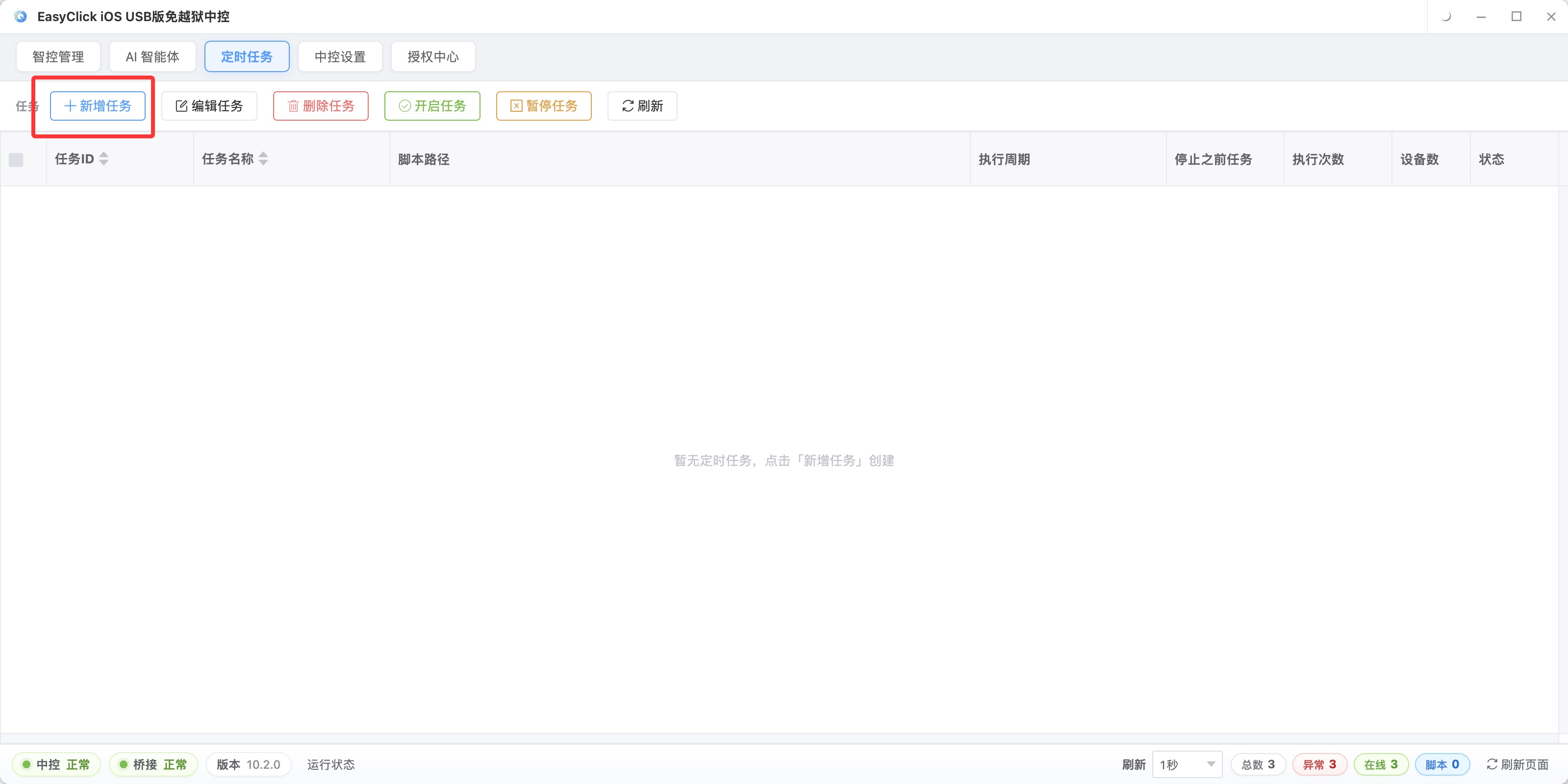
There is a trap while scheduling: do not let thirty accounts post in the same minute. The same batch of accounts posting the same Story in the exact same minute is too obvious a feature. Stagger them by a few minutes, or stagger by subgroup, and it looks much more natural.
Turning the feed into Stories is the step that takes Xia Xia the most time. She takes a finished-piece photo, crops and enlarges a part, lays a line of handwriting-style text on it, and adds a poll. A direct share posts the same content twice, and people feel they are seeing a repeat. After one layer of packaging, the same material becomes a supplement. This step can be done as a batch: perform the handling once on the master device, have the other devices follow, then change the parts that differ, device by device.
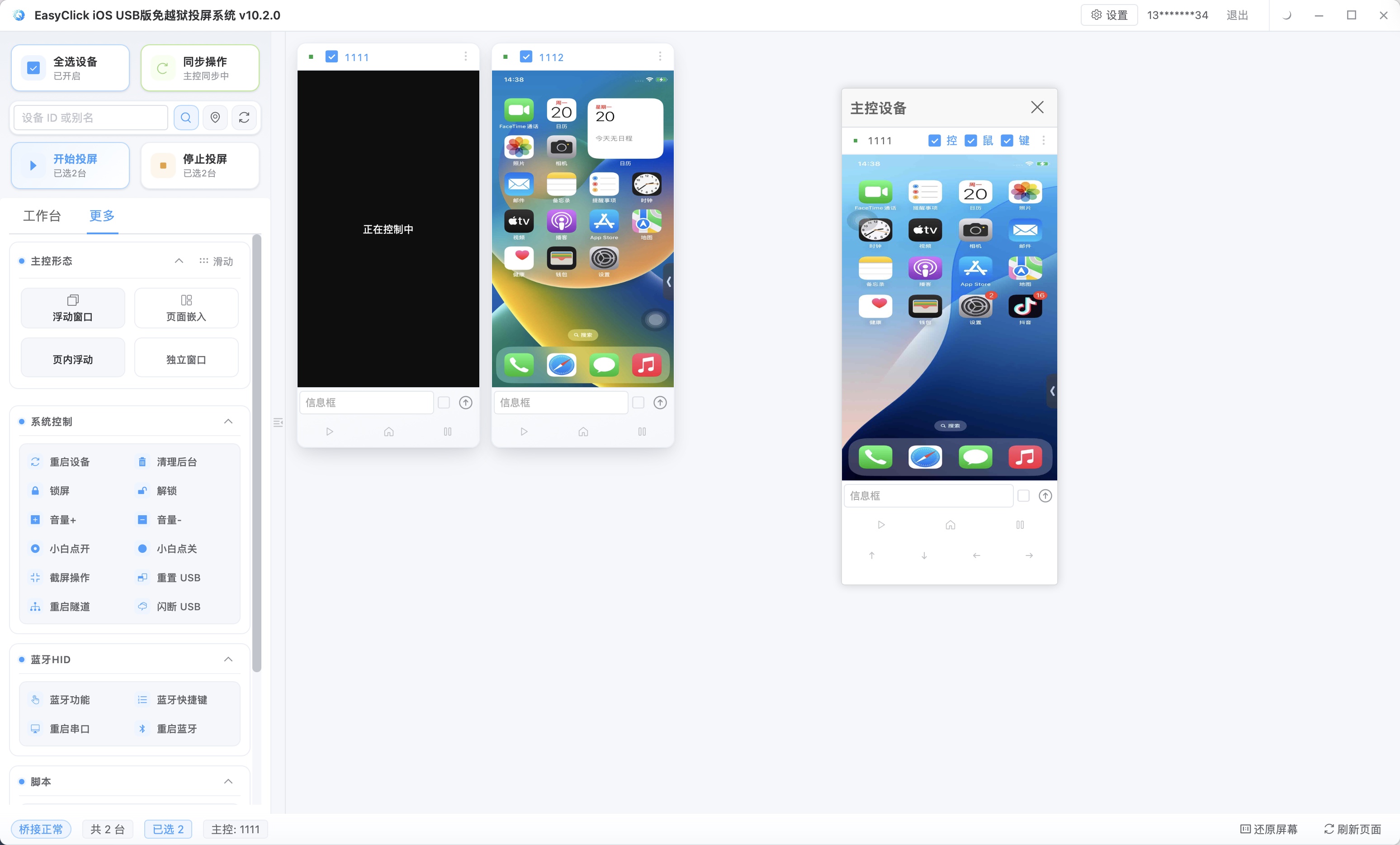
Stickers, location, and topics are the easiest place to go wrong, because every account is different. Xia Xia splits them into two kinds. Location follows the account: each account faces one city, the location sticker fills in a different city name, and that is made into a per-device parameter, configured once and left alone. Topics and text follow the content: the same batch of material uses the same set of topics, and a different batch switches the set. Once the two kinds are separated, you do not reconfigure all thirty accounts every time.
What goes to iEasyRun, and do not let the daily posts become a formality
The part above is what has to be done every day, with a fixed flow. Stories also have one-off cases: a holiday needs a set of campaign Stories, a product suddenly needs an extra one, a customer photo has to be shared the same day. One-off, time is tight, and the content has to be decided on the spot. Xia Xia hands this part to iEasyRun. From iOS central control 10.6.0 (2026-09-02), the former AI agent became iEasyRun. The product site is https://ieasyrun.com . You do not write an iOS automation script first. Say what needs doing once, and it looks at the screen and does it. Adding one Story on the spot is faster as a sentence than as a script.
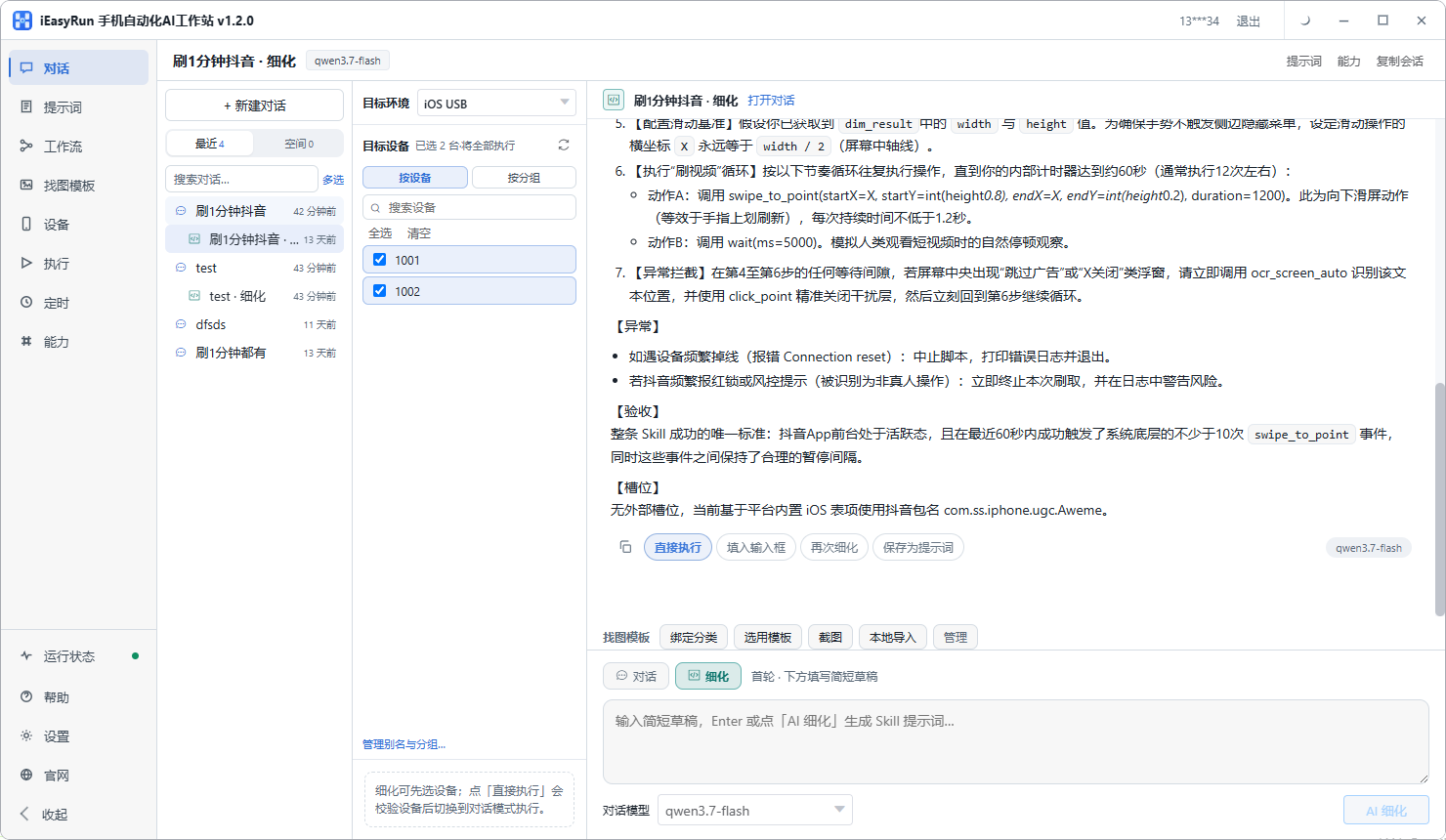
Her split now is: the three fixed posts each day go through iOS cluster control, on a schedule and in a set amount; one-off campaign Stories and sudden topics are one sentence in iEasyRun. Both run on the same batch of phones.
Stories automation easily turns into posting for the sake of posting. For a while, Xia Xia’s thirty accounts put out three on time every day. The content looked more and more alike, the same batch of images rotated, the text used a template, the numbers did not rise, and they even dropped a little. She later changed two things. The accounts went from thirty down to eighteen, and the time went to the accounts that got a response. At least one Story a day she shoots herself, and it stays out of the flow. That handmade one lets the account still look like the same person is posting.
The three Stories are scheduled the night before. In the morning she looks at the results, and she has time to think about what today’s one should say. A Story disappears in 24 hours. The interaction data inside it (who viewed it, what they replied) is used to judge which kind of content got a response, and she looks back every few days. For the overall approach to Instagram operations, read Building an Instagram matrix with Apple cluster control. For how to put many devices on one screen, see iOS screen mirroring without jailbreak.
About EasyClick: A mobile automation script development platform covering three phone ecosystems: Android without root, iOS without jailbreak, and HarmonyOS. It also offers Apple script writing, Apple cluster control, Android cluster control, remote cloud control, and AI phone cluster control. → Explore all products
Ready to build it for real?
Every approach in this article can be built on the EasyClick phone automation platform — full documentation, developer tools and cluster/cloud-control products, free to try.